EarthRanger Overview
This integration sends Fence Shield telemetry and alerts into EarthRanger, so fence data appears on the same map rangers use for patrols and field operations.
Safora sends two types of data:
| Type | When | What appears in EarthRanger |
|---|---|---|
| Observations | Regular telemetry (hourly and on change) | Measurement data for each sensor |
| Events | When an alarm fires | Map events with location, type, and details |
What you'll see on the map
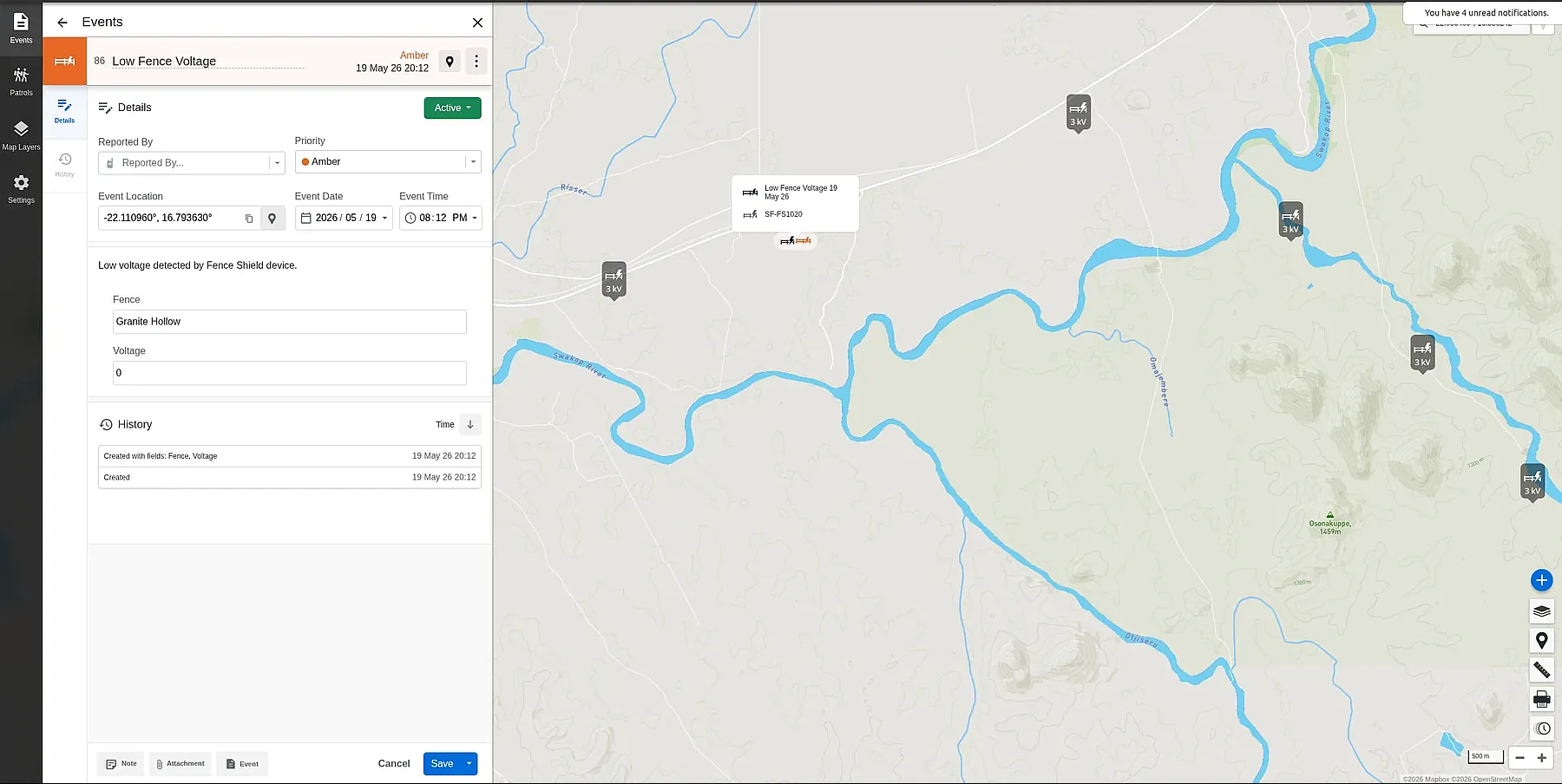
Fence Shield sensors appear as sources on your EarthRanger map. When a fault or alert occurs, an event marker is placed at the sensor's GPS coordinates with the event type, device name, and measured values.
Measurement data
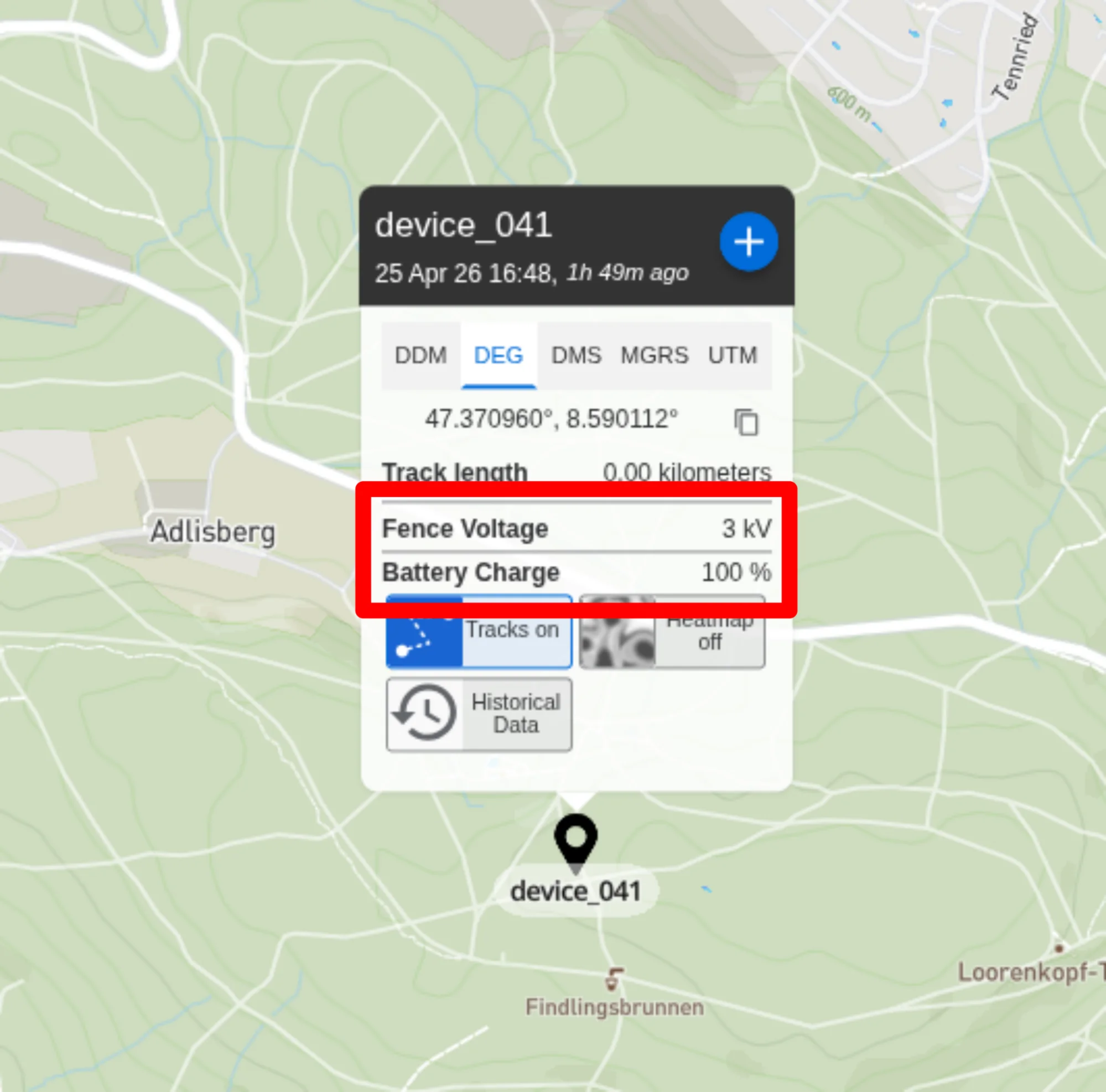
Every Fence Shield sends regular observations to EarthRanger under the fence_monitor subject type. These appear in the sensor's measurement data panel:
| Field | Description |
|---|---|
| Fence voltage | Current fence voltage at the sensor (kV) |
| Device battery | Battery level (%) |
Event types
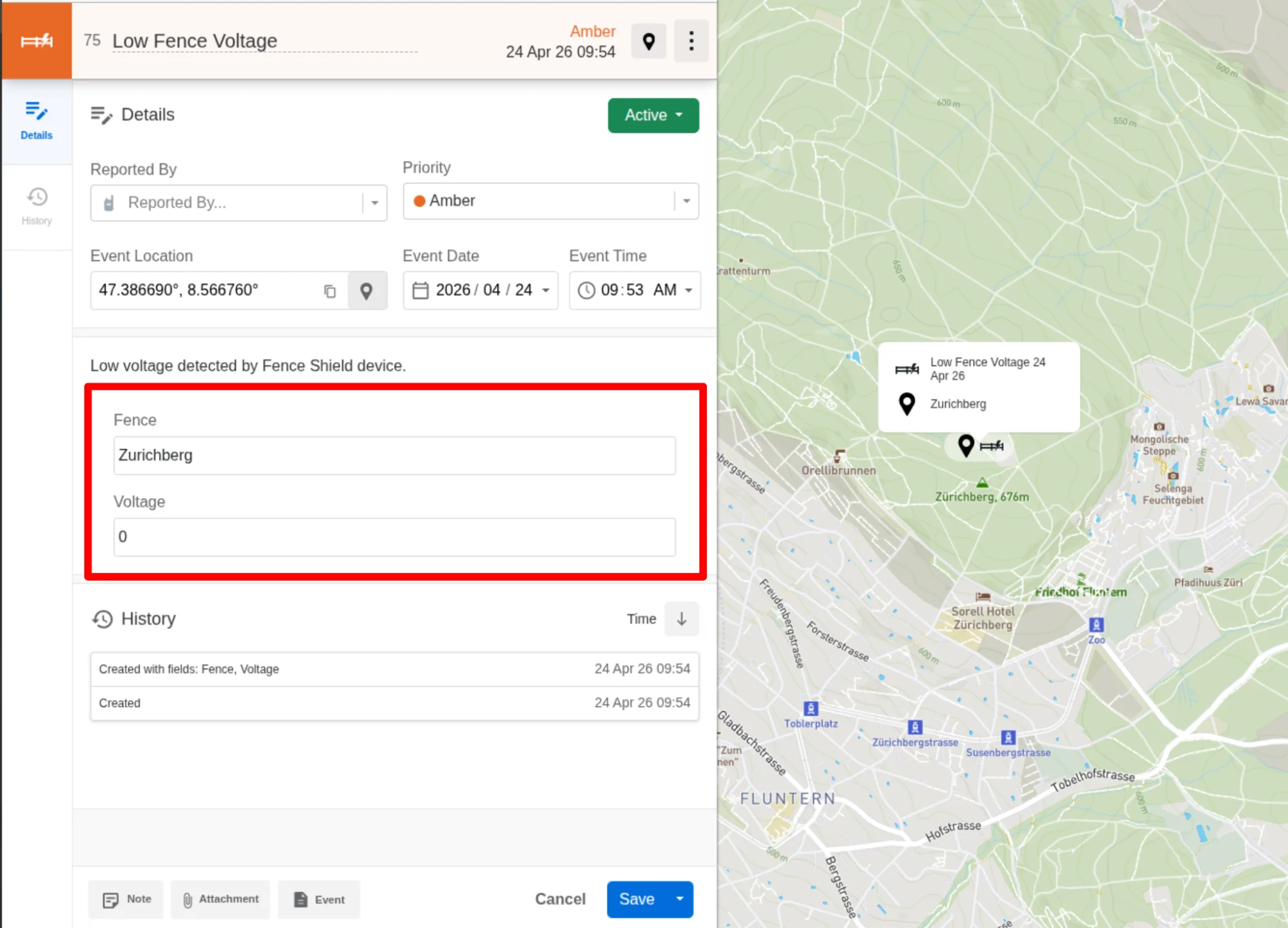
When a Fence Shield alarm fires, Safora creates an event in EarthRanger.
Low Fence Voltage and Low Battery events resolve automatically when the condition clears. Tamper Detected events do not auto-resolve and must be closed manually in EarthRanger.
Low Fence Voltage
Indicates a likely fence cut, short circuit, or energizer failure.
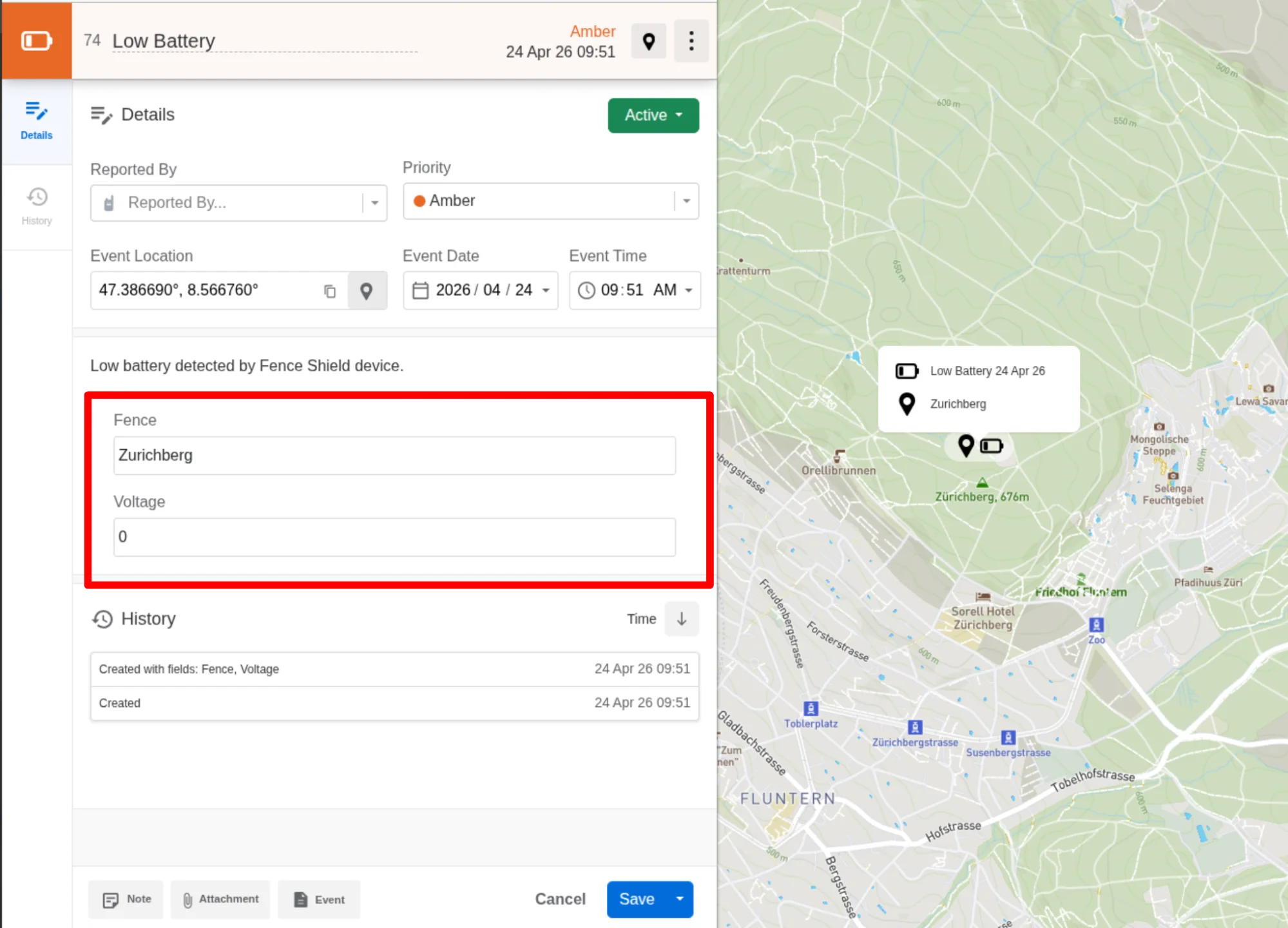
Low Battery
Indicates the sensor's battery has dropped below a safe level, possibly due to improper installation or panel shading.
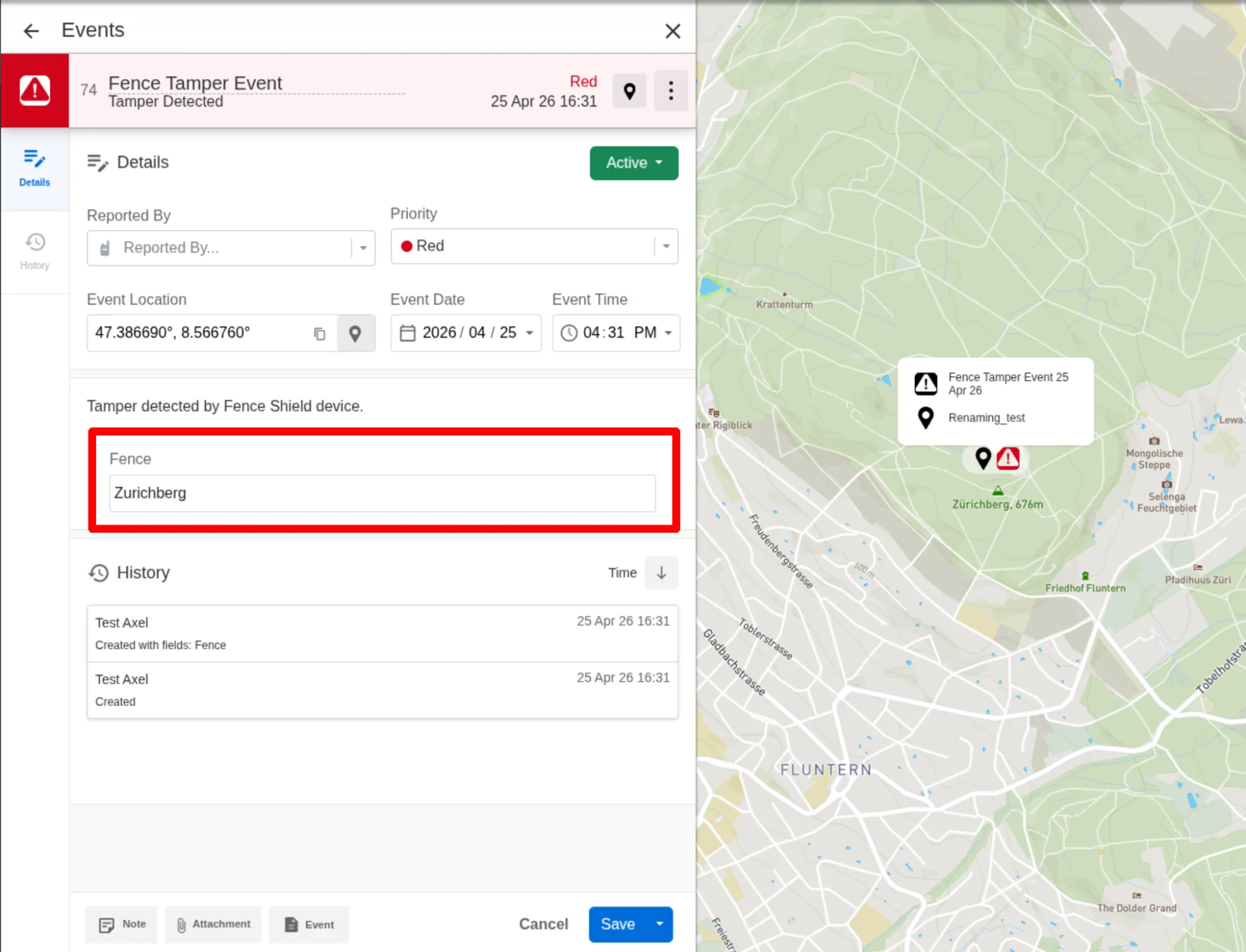
Tamper Detected
Indicates the Fence Shield has been moved or disturbed, indicating theft or tampering.
Configuring device visibility
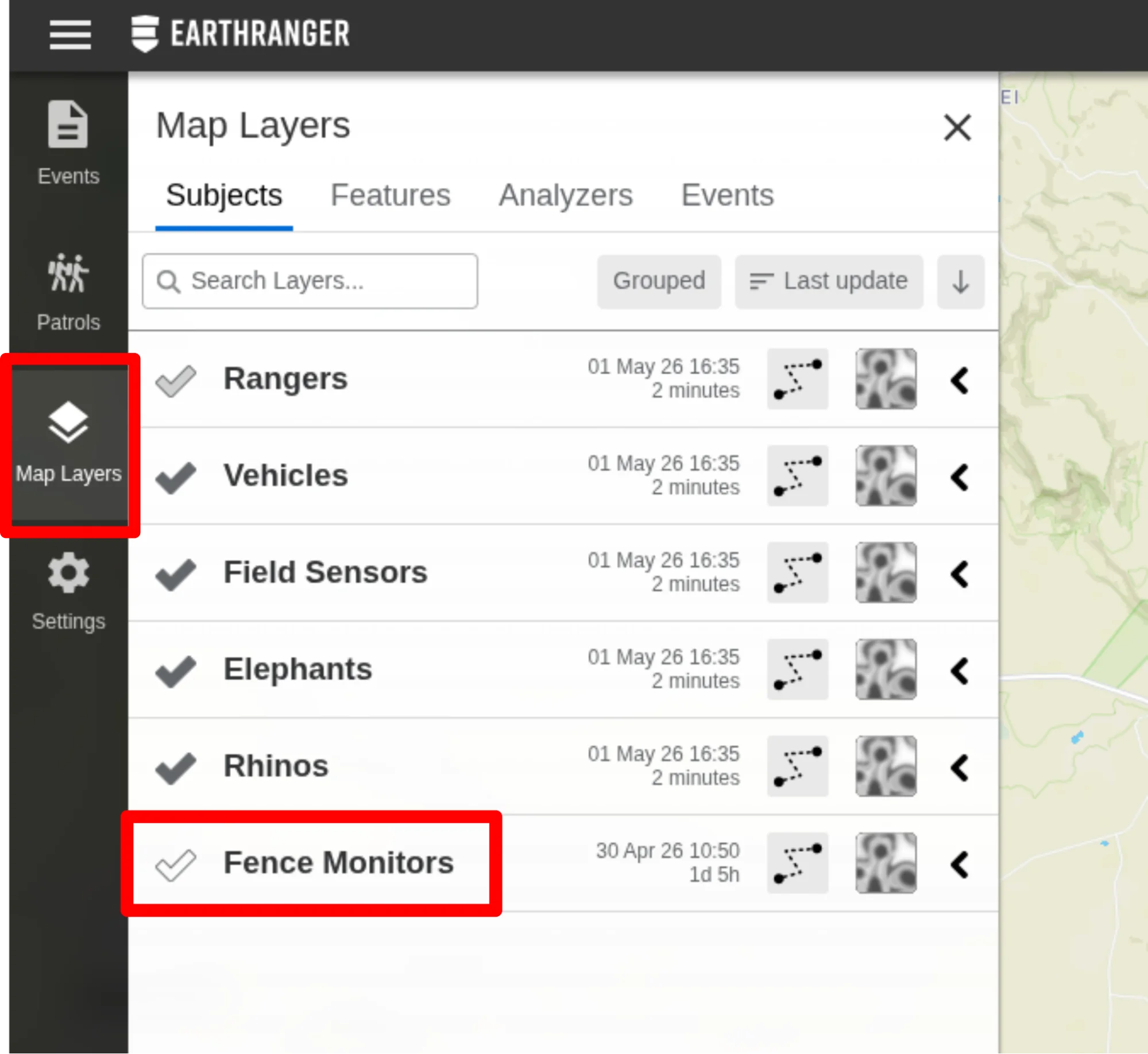
To show or hide Fence Shield sensors on the map, go to Map Layers > Subjects and check or uncheck Fence Monitors as needed.